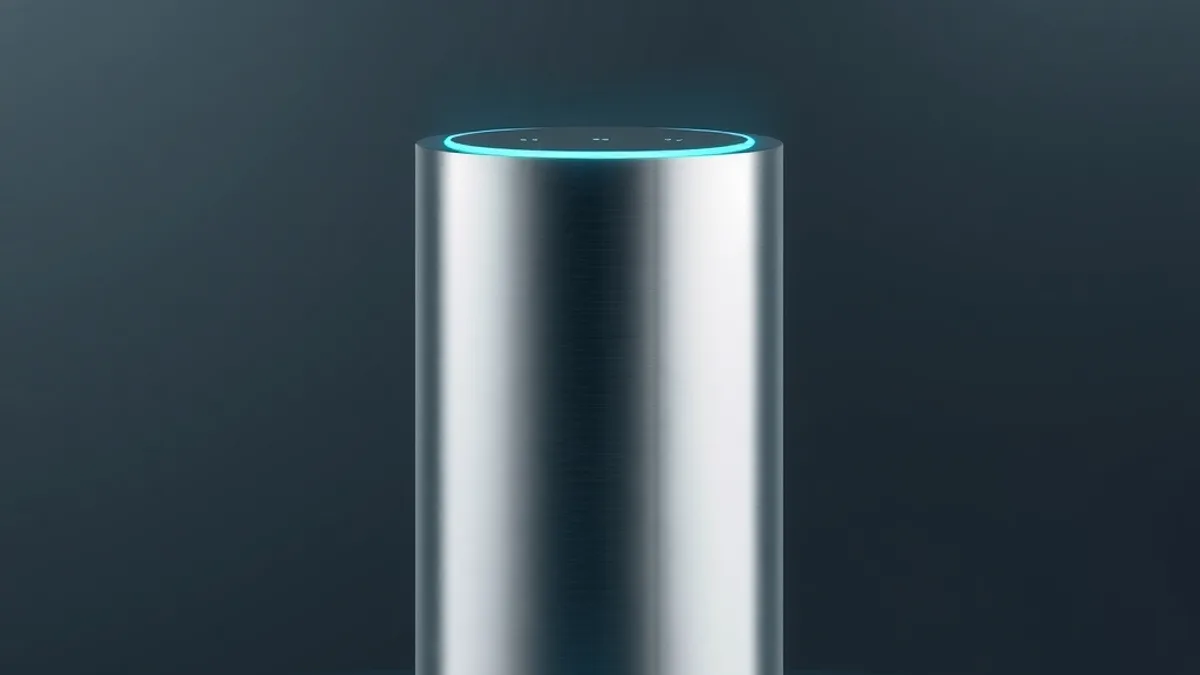
Alexa does a lot more than play music and read the weather. With an Echo speaker and a few compatible devices, you can turn off every light, adjust the thermostat or air conditioner, run a coffee maker through a smart plug, find a lost phone and chain several actions into one phrase, which Amazon calls a routine. This guide covers what each feature needs and how to build your own routines.
What do you need to get started?
Start with an Echo device, such as an Echo Dot or an Echo Show, set up in the Alexa app. If you have not done that yet, follow our step-by-step guide to setting up Alexa on an Echo Dot.
To control your home, the Echo needs to be on the same Wi-Fi network as your smart devices, such as bulbs, plugs, switches, cameras and TVs. Product packaging usually says whether it works with Alexa. In the app, you add each device to your account and group them by room, like “living room” or “bedroom,” which makes voice commands simpler.
Which voice commands are worth learning?
Commands for lights and climate work when you own compatible bulbs and a compatible thermostat or air conditioner:
- “Alexa, turn off all the lights” switches off every connected light at once.
- “Alexa, set the living room lights to 30 percent” adjusts brightness on smart bulbs.
- “Alexa, set the thermostat to 70 degrees” changes the temperature if your thermostat works with Alexa.
Some commands need no extra hardware at all:
- Timers and reminders. A timer counts down. A reminder ties one task to one time.
- Shopping list. Say “Alexa, add milk to my shopping list” and check it later in the app.
- Music, news and weather. These work on any Echo.
- Announcements. Alexa can play a message on all the Echo devices in your home.
Other commands depend on a specific device. Starting a coffee maker by voice requires the coffee maker to sit on a smart plug. Pausing a TV by voice requires a Fire TV or another compatible TV or streaming device.
How do you create an Alexa routine?
Routines save the most time. Instead of asking for three things, you say one phrase and Alexa runs them all. Here is how to build one, based on a walkthrough from Online Tech Tips:
- Open the Alexa app on your phone.
- Tap More, then Routines.
- Tap the plus sign in the top-right corner.
- Give the routine a name.
- Under “When this happens,” pick a trigger. Options include a voice command, a schedule, a smart device trigger, arriving at a location, an alarm, pressing an Echo button, or activating Guard mode on a compatible system such as Ring or ADT.
- Under “Add reaction,” choose what Alexa should do. The list includes Smart Home, Music, News, Weather, Calendar, Wait, Alexa Says and more.
- Save it and test it by speaking the phrase.
A simple example is a “Game time” voice trigger that runs a Smart Home action and switches on a group of lights. A bedtime routine could turn off the lights and set the bedroom the way you like it. A morning routine could play music and read the weather and the news.
Location-based triggers need location access for the Alexa app, so check your phone’s permissions if the routine never fires.
What does Alexa+ change?
Alexa+ is Amazon’s newer, AI-powered version of the assistant. On routines, Amazon says you can now create one by voice. You describe what you want and when. For example: play music and turn on the bedroom lights every weekday at 7 a.m. Alexa saves the routine in the app, tells you whether it worked or what went wrong, and lets you add, change or delete actions right away.
According to Amazon’s help page, the supported actions include smart home control, music playback, Fire TV control, weather updates, reading your daily calendar, announcements and custom responses. You can build routines from supported Echo devices, the Alexa app or supported Fire TV devices. Amazon also notes that not every feature is available at once, since new ones are rolling out during an Early Access period. The page does not say which regions or subscription tiers get the feature, so check Amazon’s current pricing and availability for your account.
What should you check before buying more devices?
- Compatibility. Only devices that Alexa supports will work. If you plan to mix brands, read about the Matter standard, which aims to let products from different makers talk to each other.
- Start small. One smart bulb and one smart plug are enough to test routines before you spend more.
- Privacy. Review voice history and location permissions in the app, since location triggers need access.
- Linked accounts. Actions such as calendar and email depend on accounts you have connected, so the connection has to stay active.
- Skills. Alexa Skills are add-ons you enable from More, then Skills and Games. Online Tech Tips says there are over 100,000 of them, but many are simple games and quizzes, so enable only what you will use.
Frequently asked questions
Does Alexa work without smart home devices?
Yes. Timers, reminders, shopping lists, music, news, weather and announcements across Echo speakers do not need any connected bulbs or plugs.
Can I use my regular air conditioner with Alexa?
Only if it has smart features that work with Alexa. Check the packaging or the maker’s website before buying accessories.
Why is my location routine not firing?
Location triggers require location access for the Alexa app. Check your phone’s permissions and confirm the routine is saved and turned on.
Do I need Alexa+ to make routines?
No. Routines are a standard part of the Alexa app. Alexa+ adds the option to build and edit them by voice, and Amazon says its features are rolling out in stages.