Anyone who has tried to build a smart home knows the drill: the bulb works with Alexa but not with your iPhone, the plug wants its own app, and the sensor only talks to a hub from the same brand. You end up with five apps on your phone, none of which talk to each other.
Matter was created to fix that mess. Below is what it does, how it compares with Zigbee and Thread, which devices it handles, and what to check before you spend money.
Who made it and how it works
Matter is a communication standard built jointly by the biggest names in the industry, including Apple, Google, Amazon and Samsung, under an organization called the Connectivity Standards Alliance. The first version shipped in November 2022. The Alliance describes the project as open source, drawing on technology from companies such as Amazon, Apple and Google.
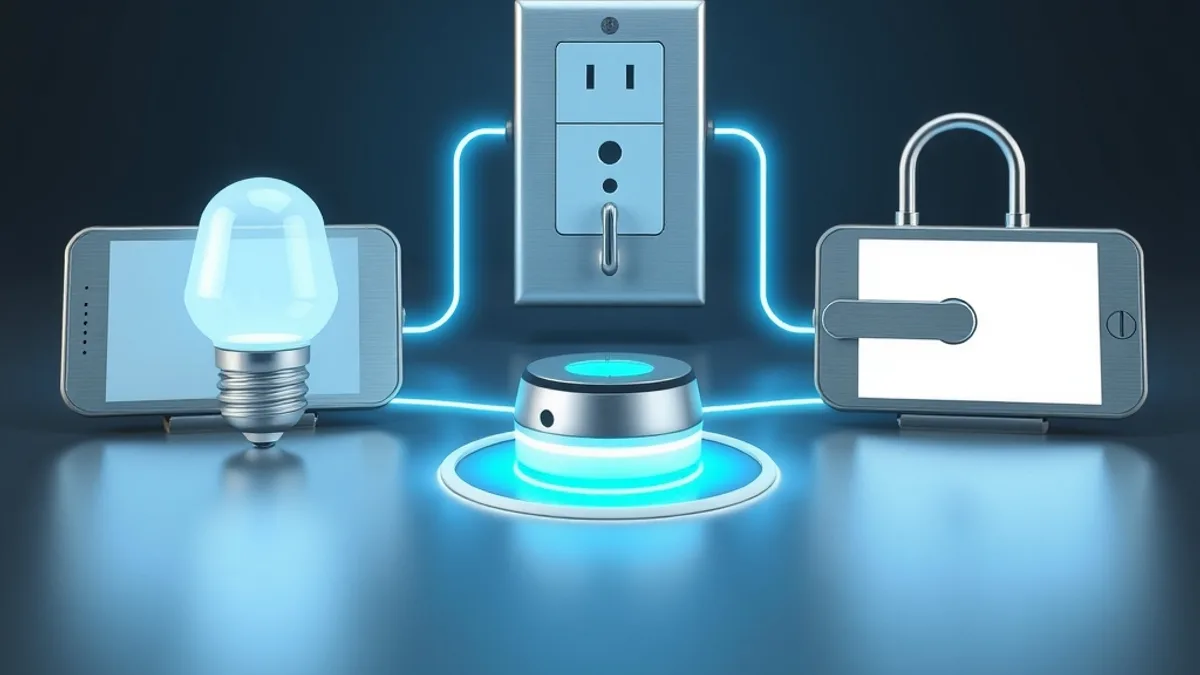
A Matter device works with any compatible platform: Alexa, Google Home, Apple Home and SmartThings. You can even run the same device on more than one platform at once, a feature called multi-admin, as long as each platform supports that device type. A bulb can show up in Apple Home for the iPhone users in the house and in Google Home for the Android users, with no second setup from scratch.
Much of the control also happens on your local network. Commands don’t have to travel to a server on the other side of the world and back, so responses are faster and devices keep working when the internet goes down.
People often mistake Matter for a kind of radio or an app. It is the shared “language” devices speak. USB-C makes a good comparison: the connector doesn’t tell you what a gadget does, it just makes sure basic connection and understanding work across brands.
Wi-Fi, Thread and border routers
To actually talk, devices need a way to carry the message, and Matter supports a few:
- Wi-Fi: common on devices that use more power and stay plugged in, like cameras and smart plugs.
- Ethernet: a network cable, used by hubs and some fixed equipment.
- Thread: a wireless network designed for small, battery-powered gadgets such as door sensors and locks. It sips power and forms a mesh, so every device helps extend the signal.
- Bluetooth Low Energy: in the first specification, it only handles initial setup, when you add a device in the app.
As a rule of thumb, gadgets that sit in an outlet use Wi-Fi, and battery-powered sensors and locks use Thread.
Thread devices need a Thread border router at home, the bridge between the Thread mesh and your home network. Many speakers, displays and routers already do that job. According to a roundup from Smart Home Perfected, they include the HomePod mini and newer Apple TV 4K models, the Google Nest Hub Max, the fourth-generation Echo and later, and eero routers. Sources disagree on a few Google models, and the list changes with every release, so confirm on your own device’s spec sheet before counting on it.
Matter vs Zigbee: rivals or layers?
Before Matter, many people built their homes on Zigbee, a low-power radio standard that has been around since 2003. Zigbee is radio and language in one package, while Matter is only the language and runs over Thread or Wi-Fi. That is why a Zigbee-only device needs a Zigbee-capable hub, and your Alexa or Google Home sees it only through that hub.
| Matter | Zigbee | Thread | |
|---|---|---|---|
| What it is | Shared language across brands | Radio and language together | IP-based mesh radio |
| Needs | A compatible platform | A Zigbee hub | A border router |
| Best for | Starting fresh without brand lock-in | Reusing sensors you already own | Battery sensors and locks |
If you already have a working Zigbee setup, there is no reason to replace it. Keep what works and, if you want everything in Apple Home or Google Home, add a Matter-compatible hub or bridge. Starting fresh, you will likely do better buying a Matter-compatible hub first, then choosing Thread devices for sensors and locks and Wi-Fi devices for things that sit near the router. Zigbee and Thread share the 2.4 GHz band with Wi-Fi, so in a crowded home it helps to keep their channels apart. Z-Wave, another home network standard, is outside the scope of this comparison.
If Alexa is your platform, our Echo Dot setup walkthrough covers the first steps. To see what Apple is preparing in this space, read about the Apple HomeView smart display.
Spec versions and supported devices
The spec moves in versions. According to the official Matter handbook, the Alliance aims to publish two releases a year, usually spring and fall, with patch updates in between. The recent history:
- 1.0: November 2022, the first version.
- 1.3: May 2024.
- 1.4: November 2024.
- 1.5: November 2025, followed by 1.5.1 in March 2026.
- 1.6.0: June 2026, the latest the handbook lists.
The first release handled bulbs, plugs, sensors and locks well, while cameras were left out for years. Version 1.5 widened the list the most. Per Matter Alpha, it brought cameras (including video doorbells), a single category for doors, windows, shades and gates, soil sensors and irrigation systems for gardens, plus energy tariff data and electrical meters, with EV charging reporting.
A published version still has to reach your app and your device, and each platform adopts on its own schedule. Matter Alpha notes that SmartThings is usually among the fastest, but no date is confirmed there for 1.5. It is also unclear which platforms already support cameras over Matter, so don’t buy a camera counting on the logo alone.
Before you buy
- Look for the Matter logo on the box.
- Check whether the device uses Thread, and whether you have a compatible border router.
- Find out which features work over Matter. On some products, advanced options still live only in the manufacturer’s app.
- Confirm your main platform accepts the device type on the Google Home, Alexa, Apple Home or SmartThings support page.
- Check the return policy. Buy from a retailer with an easy return window, so you can swap a device that pairs badly with your setup.
For a plain bulb or plug, buying Matter today is a safe bet. For a camera, a lock or anything with advanced features, read reviews focused on using it over Matter before you commit, since not every device type is supported yet.
Frequently asked questions
Does anything stop working without internet?
Bulbs and plugs usually respond even when the internet is out, because control happens on the local network. Features that rely on the manufacturer’s cloud, such as remote access in some cases, may need a connection.
Can my old Zigbee devices join Matter?
They keep working as they do today. Many brands offer a bridge or update that exposes Zigbee devices to Matter, but that depends on each hub.