The cheapest way to build a smart home is to start with one energy-monitoring smart plug instead of buying a full kit. It turns devices on and off from your phone, follows schedules and shows how much power each device pulls. Bulbs, sensors and a voice assistant can come later, only if you actually need them.
Where should you start on a budget?
Buy what solves a problem you actually have. A cheap smart home isn’t one with fewer gadgets, it’s one with nothing sitting unused in a drawer. A sensible order:
- One smart plug with energy monitoring. It teaches you the most, because it shows what a fan, coffee maker, TV or spare router really uses.
- One Wi-Fi bulb in the room you use most, scheduled to turn itself off. Our guide on connecting a smart bulb to Alexa walks through the setup.
- A voice assistant, only if you want one. It’s optional, since everything works from the brand’s app. If you’re curious, see what Alexa can do.
What does a smart plug actually do?
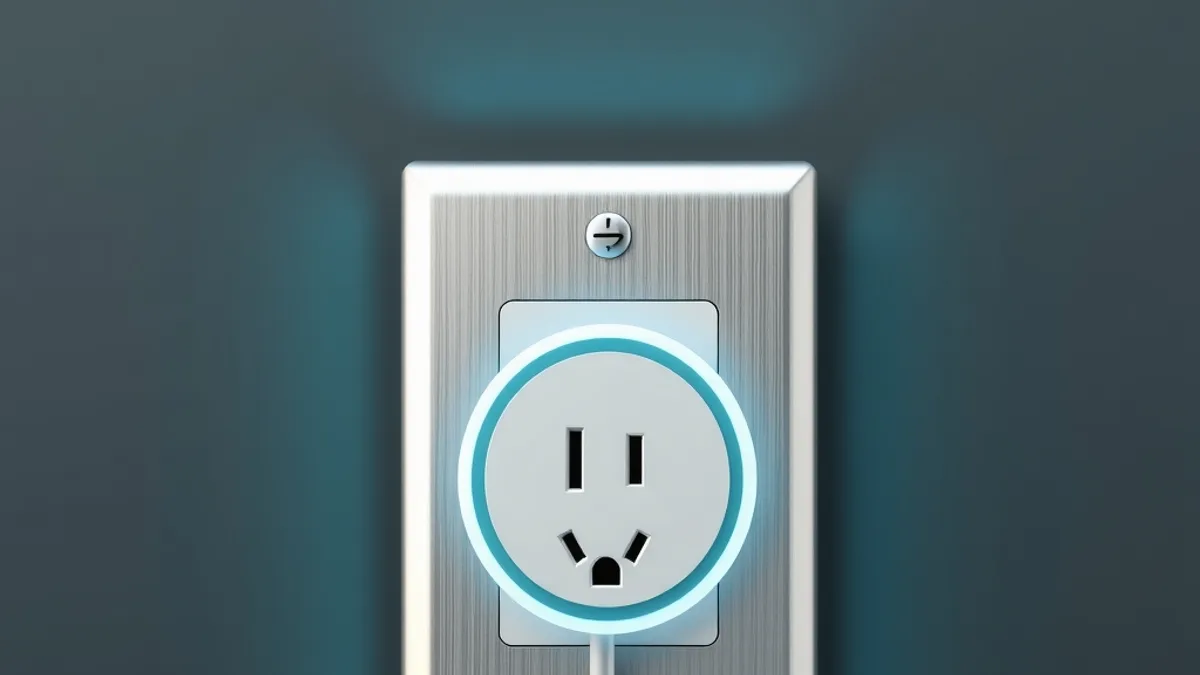
According to Tapo’s US product page for the P110, the plug tracks the energy use of connected devices and lets you enter your electricity rate to estimate bills. You can preset schedules, there’s an away mode that switches devices on and off at different times to make it look like someone’s home, and it works with Amazon Alexa and Google Assistant. It’s controlled through the Tapo app over Wi-Fi.
That’s one example, and other brands offer similar features. What matters is knowing what to look for.
How do you pick the right plug?
Before you buy, check three things:
- Load rating. Look at the wattage on your device’s label and pick a plug rated well above it. Space heaters, window air conditioners and anything that heats are the usual trouble spots, so don’t plug those into a plug that isn’t rated for them.
- Monitoring and schedules. Monitoring is what tells you whether a plug is worth it. Schedules are what turn that into savings.
- Compatibility. Make sure it works with the assistant you already own. The Matter standard exists to make mixing brands easier.
Prices change constantly, so compare a few stores before you commit.
Where do the savings really come from?
This is where many people go wrong: a smart plug or bulb doesn’t lower your bill by itself. Cutting power to devices that sit idle does.
According to Arbor, a US site that attributes the figures to the Department of Energy, standby power (what devices draw while off or idle) makes up 5% to 10% of residential electricity use and can cost a household up to $100 a year. The same article cites Lawrence Berkeley National Laboratory for the point that most individual products draw under half a watt in standby. Keep in mind that Arbor sells an electricity rate-shopping service and some of its claims are self-reported.
Its practical advice applies here:
- Target devices that sit idle for long stretches: entertainment centers (cable boxes, consoles, streaming devices), home offices, and seasonal gear like window AC units and holiday lights.
- A plug on an always-on schedule saves nothing, and neither does one on a device with no standby draw.
- Leave always-on devices like your router out of the cutoff. A smart power strip with per-outlet control can keep those powered while shutting down the rest.
- Arbor estimates that a strip cutting 30 watts of standby draw over 16 idle hours a day saves about $30 a year, against a $25 to $40 price.
How do you estimate your own savings?
Use your utility bill. Multiply the standby wattage by the hours per day and divide by 1,000 to get kilowatt-hours (kWh). As an illustration, a setup drawing 10 W for 16 hours adds up to 0.16 kWh a day. Multiply that by your price per kWh and by 30 days. The number is small per device and meaningful when you add it all up.
That’s why the plug’s meter is worth having: it replaces guesswork with a real reading. Plug it into a device that looks switched off, check the number in the app, and decide whether cutting its power is worth it.
A simple plan for your first week
- Pick two devices that sit idle most of the day, like the living room TV setup and a coffee maker.
- Put a monitoring plug on the first and write down its draw while “off.”
- Schedule it to cut power when nobody uses it, say overnight until morning.
- Repeat with the second device and compare both in the app.
- After a week, keep the schedule where you saved and move the plug where you didn’t.
What should you avoid?
- Buying a big kit all at once. Gadgets you don’t use are money with no return.
- Plugging devices into a smart plug beyond its rating, especially anything that heats.
- Cutting power to things that must stay on, like your router or refrigerator.
- Expecting savings just because something is “smart.” The savings come from how you use it.
FAQ
Do I need Alexa or Google Assistant for a smart home?
No. Voice control is optional, and plugs and bulbs work from the brand’s app. The assistant just adds voice commands.
Does a smart plug use electricity itself?
A little, and it depends on the model. Arbor says smart bulbs add 0.2 to 0.5 W each just to stay connected, and it’s worth checking the spec sheet for the plug you pick. That’s why plugs only pay off on devices that draw more than that while idle.
Which device saves the most?
The ones that sit idle for many hours: TV with a console and streaming box, a computer and its peripherals, and seasonal equipment. The plug’s meter shows which one matters in your home.
Do I need a hub?
Tapo’s page for the P110 describes it as a Wi-Fi plug controlled through the app and doesn’t mention a hub. Check the box of whichever model you choose.